

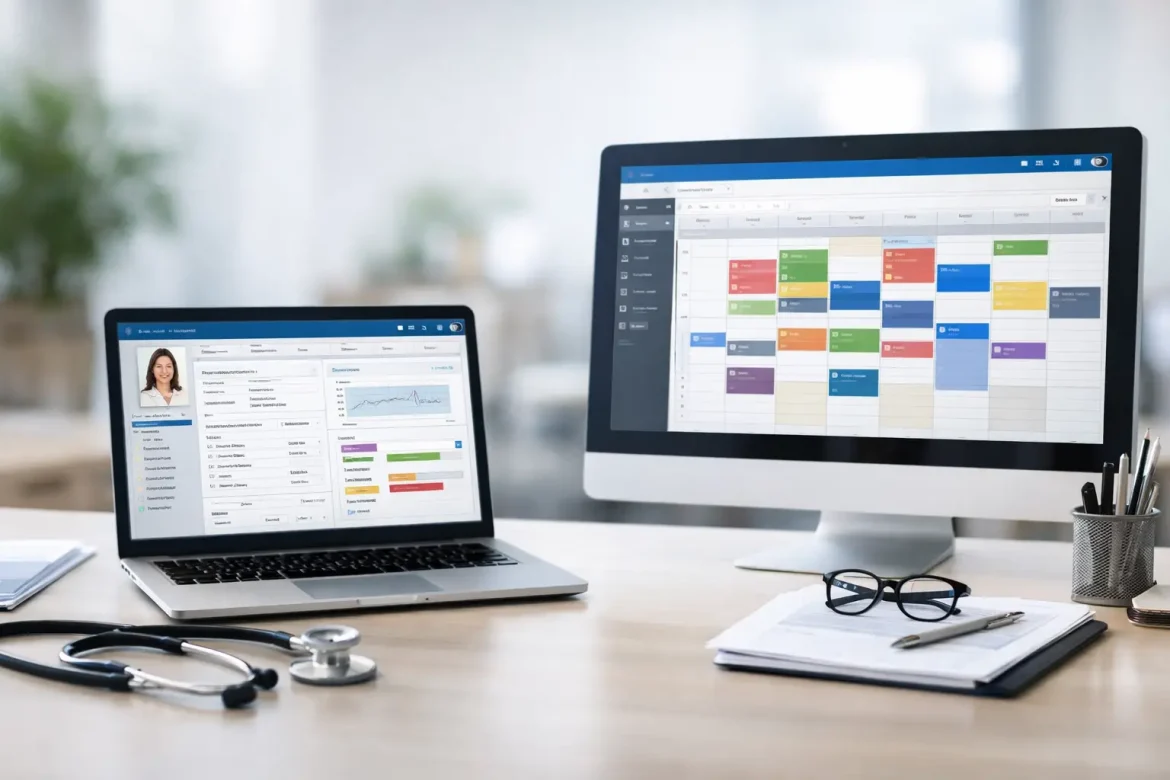
A busy front desk can tell you more about your software needs than any product demo. If staff are toggling between scheduling, eligibility checks, billing follow-up, and chart access just to move one patient through the day, the ehr vs practice management question is no longer theoretical. It is an operational decision that affects revenue, staff time, compliance, and the patient experience.
For many practices, the confusion starts because both systems touch the same patient journey. A patient schedules an appointment, arrives, is seen by a clinician, receives documentation, and generates a claim. From the outside, that can look like one connected workflow. Under the surface, though, EHR and practice management software are built for different jobs.
EHR vs practice management: the core difference
The simplest way to think about it is this: an EHR manages clinical information, while practice management software manages the business side of care delivery.
An electronic health record is centered on the patient chart. It supports documentation, diagnosis coding, medication lists, allergies, lab and imaging results, clinical notes, e-prescribing, and often order entry. Its purpose is to help clinicians document care, access medical history, and support safe, informed treatment decisions.
Practice management software is centered on operations. It handles appointment scheduling, patient registration, insurance verification, charge capture, claims submission, payment posting, collections, and reporting tied to the financial health of the practice. Its purpose is to keep the office functioning efficiently and ensure the practice gets paid.
That distinction matters because many practice leaders buy software based on what they assume it includes, not what their workflows actually require. Some believe an EHR will solve billing inefficiencies. Others assume a strong scheduling and billing platform will be enough for clinical documentation. Both assumptions can create gaps.
Where the overlap causes confusion
The market has blurred the line. Many vendors now offer integrated platforms that include both EHR and practice management functions. Others started as one system and added partial features from the other side.
That is where decision-makers need to slow down. A platform may advertise scheduling, charting, billing, patient messaging, and analytics in one package, but the depth of those functions can vary widely. An EHR with basic scheduling is not necessarily a strong practice management system. A billing platform with light charting is not necessarily a clinically useful EHR.
For physicians and administrators, the practical question is not whether a vendor offers both. The real question is whether each function is strong enough for your specific operational model.
A solo primary care office may tolerate lighter specialty workflows if the billing and documentation are straightforward. A multispecialty group, surgical practice, or high-volume clinic usually cannot. The more complex the clinical and financial workflow, the more costly weak functionality becomes.
What an EHR should do well
A capable EHR should make documentation accurate, efficient, and clinically useful. That means more than just giving providers a place to type notes.
It should support specialty-specific templates, problem lists, medication management, result review, order tracking, and regulatory documentation requirements. It should also reduce friction for clinicians. If the charting process adds clicks without improving quality, provider adoption will suffer quickly.
Good EHR performance also affects patient communication. When clinical records are accessible and organized, staff can answer questions more accurately, follow up faster, and reduce avoidable confusion around treatment plans, medications, and next steps.
Still, a strong EHR can be expensive to implement and difficult to customize. Training takes time. Clinical teams often feel the burden first. If leadership underestimates that transition, the system may technically go live while operational morale drops.
What practice management software should do well
Practice management software should help the practice move patients and payments efficiently from first contact to final balance.
That includes scheduling logic that reflects provider availability, visit types, and resource use. It includes registration workflows that reduce front-desk bottlenecks, insurance verification tools that catch eligibility issues early, and billing functions that help claims go out clean and come back paid.
Reporting is another area where strong practice management software matters. Practice leaders need visibility into no-show rates, payer mix, aging receivables, denied claims, provider productivity, and collection trends. Without that visibility, decisions are based on impressions rather than performance.
The trade-off is that many operational systems are optimized for administrative teams, not clinicians. If there is poor integration with the EHR, staff may have to re-enter demographics, manually reconcile charges, or chase documentation needed for coding and claims. That duplication is where inefficiency spreads.
When one system is enough and when it is not
Some small practices can function well with a single integrated platform that includes both EHR and practice management tools. This is often the best path when the practice wants fewer vendors, one support structure, and simpler staff training.
But one system is not automatically the better system. An all-in-one platform can reduce integration headaches, yet it can also force compromise if one side of the product is weak. A best-in-class EHR paired with a separate best-in-class practice management system may produce better results, especially for specialty practices or organizations with sophisticated revenue cycle needs.
The downside of using separate systems is obvious: integration must work reliably. If appointment data, patient demographics, charges, or insurance information fail to sync properly, staff will pay for that weakness every day.
This is why the right answer often depends on scale, specialty, and operational maturity. A startup practice may prioritize speed and simplicity. A growing practice may prioritize reporting and revenue cycle control. A large group may prioritize workflow depth and interoperability.
How to evaluate ehr vs practice management for your practice
Start with workflow, not vendor branding. Map what happens from scheduling through payment and from intake through clinical follow-up. Then identify where time is lost, errors occur, or handoffs break down.
If clinicians are frustrated by documentation burden, medication management issues, or incomplete chart access, your biggest need may be EHR performance. If your pain points are denied claims, front-desk delays, poor scheduling utilization, or weak collections, practice management capability may be the larger issue.
In many cases, both need attention. That is why leaders should rank priorities rather than treating software selection as a general upgrade.
Ask practical questions during evaluation:
- How well does the system support your specialty workflows?
- Can staff verify eligibility, collect balances, and manage claims without workarounds?
- Does the platform offer reporting that helps leadership act on financial and operational trends?
- How much duplicate data entry remains between front office, billing, and clinical teams?
- What does implementation actually require in staff time, training, and change management?
Product demos often make everything look smooth. Request examples tied to your real scenarios instead: a new patient with secondary insurance, a rescheduled procedure, a refill request tied to follow-up care, or a denied claim that needs correction. Those cases reveal more than feature lists.
Cost is not just the subscription fee
Practices sometimes compare systems based mainly on monthly price. That is understandable, but incomplete.
The real cost includes setup, training, data migration, lost productivity during transition, template customization, clearinghouse fees, support quality, and the impact of workflow friction over time. A cheaper platform that slows providers or delays claims can become more expensive than a higher-priced system that improves throughput and collections.
There is also the cost of poor patient experience. Long registration times, billing confusion, missed messages, and fragmented follow-up do not stay isolated inside operations. Patients feel them, and staff burnout rises with them.
For that reason, software evaluation should include both financial and communication outcomes. At Medical Management & ΕΠΙΚΟΙΝΩΝΙΑ, that intersection matters because operational efficiency and patient trust are rarely separate problems.
Common mistakes practices make
One common mistake is letting one department drive the whole purchase. If physicians choose solely for charting comfort, the revenue cycle may suffer. If billing chooses solely for claims efficiency, clinicians may struggle with documentation. The decision should include providers, front-desk staff, billing, and leadership.
Another mistake is underestimating implementation. Even the right platform can disappoint if templates are poorly built, roles are unclear, and staff are not trained on actual workflows.
A third mistake is assuming integration means optimization. Two modules can technically share data and still create slow, awkward workflows. The goal is not just connectivity. The goal is usable coordination across teams.
The better question than EHR vs practice management
If you are choosing between the two, the better framing may be this: where is your practice losing the most time, money, or trust today?
That question leads to smarter priorities. If clinical documentation is weak, patient safety and care continuity are at risk. If scheduling and billing are weak, the practice may remain clinically strong but financially strained. Most organizations need both capabilities. The real decision is whether one platform can serve both well enough, or whether separate systems will support the practice better.
Software should not force your team to work around it all day. It should support care delivery, protect revenue, and make communication clearer for staff and patients alike. The best choice is usually the one that removes the most friction from your actual day, not the one with the longest feature list.