

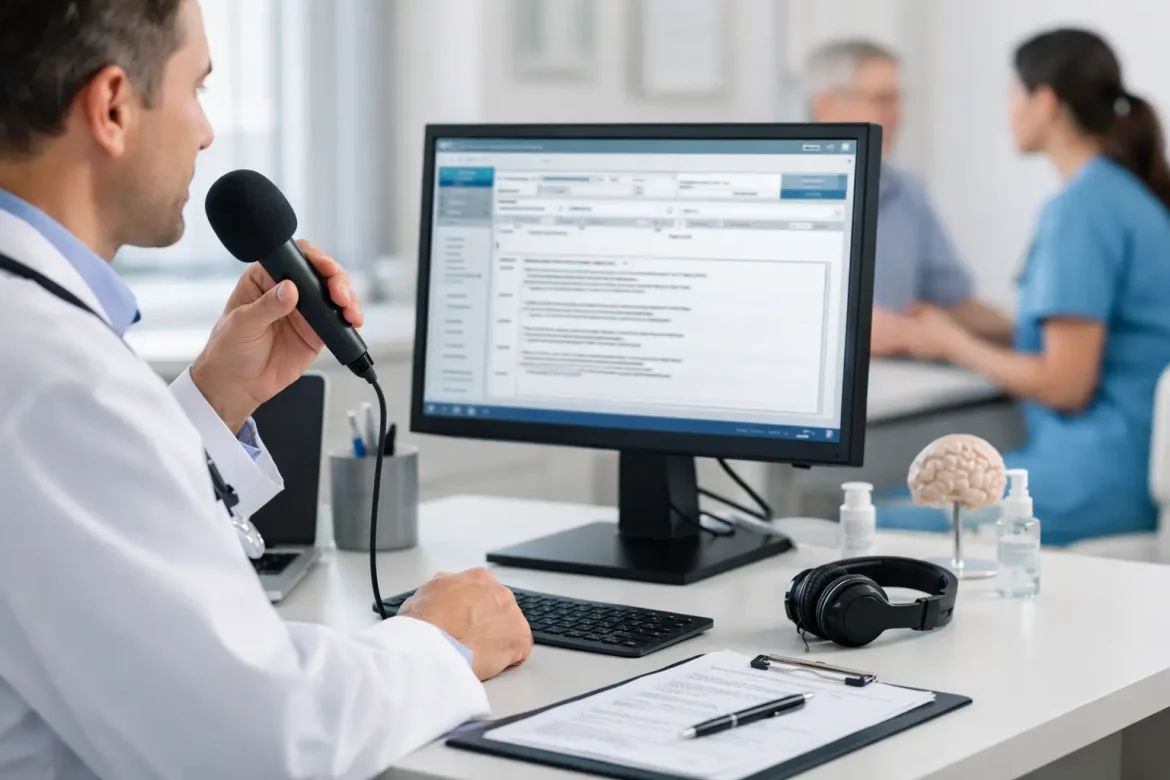
A physician finishes a full clinic session, opens the chart queue, and still has two hours of documentation waiting. That is exactly where a strong medical dictation software review becomes useful – not as a tech wish list, but as a practical buying filter for practices trying to reduce charting time without creating new workflow problems.
The market is crowded, and many platforms now promise some version of AI-assisted note creation, voice recognition, ambient listening, or faster EHR documentation. The real question is not which tool has the most impressive demo. It is which one fits the pace, specialty, compliance requirements, and staffing structure of your practice.
Medical dictation software review: what actually matters
For most clinics, dictation software is not a standalone purchase. It affects provider productivity, documentation quality, coding support, patient communication, and sometimes even burnout. That means the right evaluation framework needs to go beyond speech-to-text accuracy.
A useful review should look at six areas at minimum: recognition accuracy, EHR integration, editing workflow, specialty support, compliance posture, and total cost. If one of those is weak, the promised time savings can disappear quickly.
Accuracy is the obvious starting point, but it should be tested in realistic conditions. Many tools perform well with a clear speaker in a quiet room. Fewer perform consistently with accents, rapid clinical speech, interrupted encounters, or specialty terminology. A family medicine practice, orthopedic clinic, and cardiology group may have very different experiences with the same platform.
Integration is where many purchasing decisions go wrong. If clinicians must copy and paste text manually, reformat notes after dictation, or switch between multiple windows, efficiency drops. The software may still be technically impressive, but operationally expensive.
The 5 criteria to use in any medical dictation software review
1. Speech recognition quality in your real setting
Vendors often advertise high accuracy percentages, but those numbers are only meaningful if they reflect your environment. Test the software with multiple physicians, different speaking speeds, and actual clinical vocabulary. Include difficult terms, medication names, and common abbreviations your team uses.
Also assess how the software handles corrections. Even a strong engine will make mistakes. What matters is whether those mistakes are easy to fix and whether the system learns from repeated edits.
2. Workflow fit for physicians and staff
Some tools are designed primarily for physicians who want to dictate directly into the note. Others support front-desk routing, transcription review, team editing, or centralized documentation workflows. A solo practice may want speed and simplicity. A multispecialty group may need shared templates, review permissions, and standardized formatting.
This is where trade-offs appear. A very simple product may be quick to adopt but limited in routing and customization. A more advanced platform may improve long-term productivity but require more training and internal process design.
3. EHR compatibility and note structure
The best dictation platform is the one that reduces friction inside your existing documentation system. Ask whether it inserts text into discrete sections of the chart, supports templates, works across devices, and performs reliably within your EHR.
If your clinicians still need to reorganize every note after dictation, the tool is solving only part of the problem. Structured output matters, especially for organizations focused on coding accuracy, quality reporting, and chart consistency.
4. Compliance, privacy, and security
Healthcare leaders should review more than a vendor’s marketing claims. Confirm HIPAA alignment, data handling policies, user access controls, encryption standards, retention settings, and whether audio is stored or deleted. If AI features are involved, ask how data is used for model training and whether protected health information is isolated appropriately.
This is especially important with newer ambient or generative documentation tools. They may deliver major convenience, but practices still need clear answers on governance and clinical review responsibility.
5. Full cost, not just subscription price
A lower monthly fee can become more expensive if the product requires extra support, longer onboarding, poor note quality cleanup, or duplicate transcription services. Look at implementation time, training burden, clinician adoption, device requirements, and support responsiveness.
For practice owners and administrators, return on investment should be measured in reduced documentation time, faster chart closure, improved staff utilization, and potentially better provider retention.
Common product categories and how they compare
Not every practice needs the same kind of documentation technology. In a practical medical dictation software review, it helps to separate products into categories rather than looking for one universal winner.
Traditional front-end speech recognition tools are still relevant. These are best for physicians who prefer to dictate actively and maintain direct control over the note. They usually work well for experienced users with established dictation habits and can deliver solid efficiency gains when paired with templates.
Back-end transcription or hybrid dictation systems are better for organizations that want speech capture with an editing layer afterward. These can improve note polish and reduce physician correction time, but turnaround speed and labor cost need close review.
AI ambient documentation platforms are gaining attention because they can listen during the visit and generate draft notes automatically. For some practices, this can reduce after-hours charting significantly. For others, especially where visit flow is less predictable or highly procedural, the output may still require enough editing that the time savings are smaller than expected.
Mobile-first dictation apps appeal to physicians who document between rooms, after rounds, or across multiple sites. Their convenience is a clear advantage, but mobile usability should not come at the expense of note structure, data security, or editing control.
Where practices often make the wrong choice
The most common mistake is buying based on headline features instead of workflow evidence. A system that looks impressive in a sales demonstration may fail when confronted with real patient encounters, specialist vocabulary, or inconsistent microphone quality.
Another mistake is treating physician preference as the only decision factor. It matters, but the administrative side matters too. If staff cannot support the workflow, if note review becomes more complicated, or if templates become fragmented across providers, the practice may lose consistency even while one doctor feels faster.
A third issue is underestimating change management. Dictation technology affects habits. Even a strong product can underperform if physicians are not trained properly, shortcuts are not configured, and expectations for note review are not standardized.
A practical buying process for clinics and medical groups
Start with a short internal needs assessment. Identify which problem you are trying to solve first: physician time, note turnaround, documentation quality, template consistency, or burnout. Different products solve different primary problems.
Next, choose two or three vendors for a controlled trial. Do not evaluate them only through administrator demos. Put them in front of actual users from different specialties and levels of tech comfort. Ask each clinician to test common encounter types and estimate the editing time required.
Then review the operational layer. How long does setup take? Who builds templates? What support is available after go-live? Can the platform scale across providers without creating fragmented workflows? These questions matter as much as raw recognition quality.
Finally, define success before purchase. A useful benchmark could be shorter chart completion time, fewer open encounters at the end of the day, improved provider satisfaction, or more consistent documentation structure. Without predefined metrics, it becomes too easy to keep paying for software that feels modern but delivers little measurable benefit.
Which type of practice benefits most?
High-volume outpatient clinics often see the clearest gains because documentation friction compounds quickly across many short visits. Specialties with repetitive note patterns may also benefit, especially when dictation is paired with templates and macros.
Practices with older EHR workflows may experience more mixed results. If the underlying charting system is rigid, even good dictation software may only partially improve efficiency. In those cases, documentation strategy should be reviewed more broadly.
Small practices can benefit just as much as larger groups, but they should be disciplined about total cost and support needs. A tool that requires extensive customization may not be ideal without internal IT or operations capacity. As Medical Management & ΕΠΙΚΟΙΝΩΝΙΑ often emphasizes in broader workflow decisions, the best technology is usually the one your team will actually use well every day.
Medical dictation software is not just a documentation purchase. It is a workflow decision, a staffing decision, and in many cases a clinician well-being decision. If you evaluate products through that wider lens, you are far more likely to choose a system that helps the practice run better rather than simply adding another layer of technology to manage.