


Table of Contents
- What Makes a Strong Healthcare Practice Management Solution?
- Healthcare Practice Management Software Comparison: Top Solutions Reviewed
- Best Medical Practice Management Software for Specialty Workflows
- EHR and Practice Management Integration: Why It Matters
- Practice Management Software for Small Practices: What to Prioritize
- How to Choose the Right Healthcare Practice Management Solution for Your Clinic
- Conclusion
Last Updated: May 1, 2026
Choosing the wrong practice management platform costs medical offices far more than a monthly subscription fee. Healthcare practice management solutions reviews reveal a consistent pattern: clinics that switch platforms mid-growth lose weeks of productivity during migration and often inherit billing errors that take months to untangle. Medical Management Tutorial has analyzed the leading platforms across scheduling, revenue cycle management, EHR integration, and patient engagement to give you an honest, comparative breakdown. Below, we cover exactly which solutions fit which practice types, what red flags to watch in vendor reviews, and how to negotiate contracts that protect your clinic.
The single most important insight before you read further: the best practice management software is not the one with the most features. It is the one that fits your specialty workflow, your billing volume, and your staff’s technical comfort level. A platform that works brilliantly for a 10-provider multi-specialty clinic will frustrate a solo therapist in private practice.
What Makes a Strong Healthcare Practice Management Solution?
Practice management software is a clinical operations platform that handles scheduling, medical billing, claims processing, patient communication, and financial reporting in a single system. Strong solutions reduce administrative friction without forcing your staff to rebuild their entire workflow from scratch.
Core Features Every Practice Needs
Not every platform includes every feature by default. Before evaluating any vendor, confirm that the following are included in the base subscription rather than sold as add-ons:
- Scheduling: Multi-provider calendars, online patient self-scheduling, automated appointment reminders
- Medical billing and claims processing: Automated eligibility checks, electronic claim submission, denial management
- EHR integration: Bidirectional data sync between clinical notes and billing records
- Patient portal: Secure messaging, document uploads, online payments
- Reporting: Revenue cycle dashboards, staff productivity metrics, payer performance tracking
- HIPAA compliance: Encrypted data storage, audit trails, role-based access controls
- Telehealth integration: Built-in or third-party virtual visit support
According to HIMSS’s health IT workforce report, administrative burden remains one of the top reasons clinicians report burnout. Platforms that automate eligibility verification and claims scrubbing directly address this.
Red Flags to Watch for in Reviews
Most healthcare practice management solutions reviews mix legitimate clinical feedback with complaints from staff who received inadequate onboarding. Separate the two. Genuine red flags include: persistent billing errors after go-live, unresponsive customer support during claim denials, and hidden fees for features listed as standard on the vendor’s website. Watch for patterns across multiple reviewers, not isolated complaints.
Vendors who lock clients into three-year contracts without performance guarantees create serious financial risk. If a platform underperforms in month four, you are still paying for 32 more months. Always negotiate an exit clause tied to uptime and claims acceptance benchmarks.
Healthcare Practice Management Software Comparison: Top Solutions Reviewed
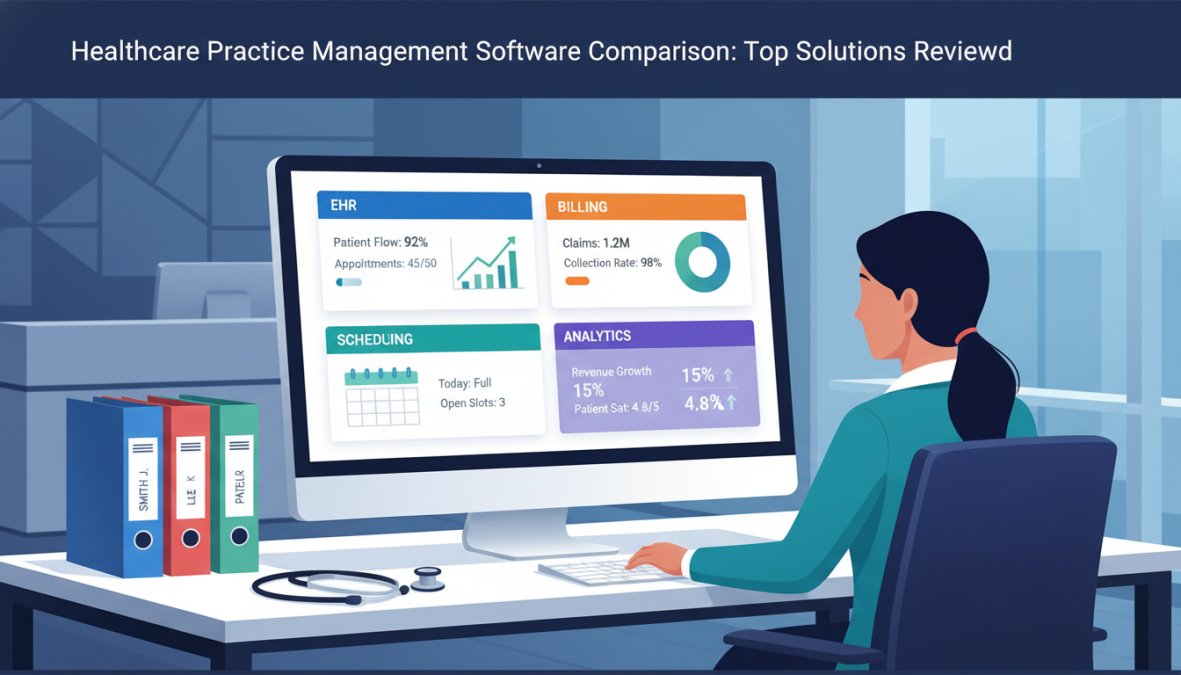
The practice management software market spans dozens of platforms, but a handful dominate clinical adoption across different practice sizes and specialties. This healthcare practice management solutions reviews comparison focuses on platforms with verified pricing, documented feature sets, and real-world implementation records.
| Platform | Starting Price | Best For | EHR Included | Telehealth |
|---|---|---|---|---|
| CareCloud | $349/provider/mo | Growing multi-provider offices | Yes | Yes |
| AdvancedMD | $429/provider/mo | Multi-specialty clinics | Yes | Yes |
| eClinicalWorks | $449/provider/mo | Ambulatory/mid-size | Yes | Yes |
| Athenahealth | % of collections | Revenue cycle outsourcing | Yes | Yes |
| Tebra | Custom pricing | Independent private practices | Yes | Yes |
| SimplePractice | $49/mo | Mental health/wellness | Yes | Yes |
| WebPT | $99/mo | Rehab therapy | No (specialty docs) | Yes |
| ChiroTouch | $159/mo | Chiropractic | Yes | No |
| DrChrono | ~$199/mo | Small independent practices | Yes | Yes |
CareCloud: Best for Growing Multi-Provider Offices
CareCloud’s central value proposition is drag-and-drop scheduling combined with automated billing and a patient engagement platform called Breeze. Starting at $349 per provider per month for the practice management module, it sits at the more accessible end of the enterprise-tier pricing range.
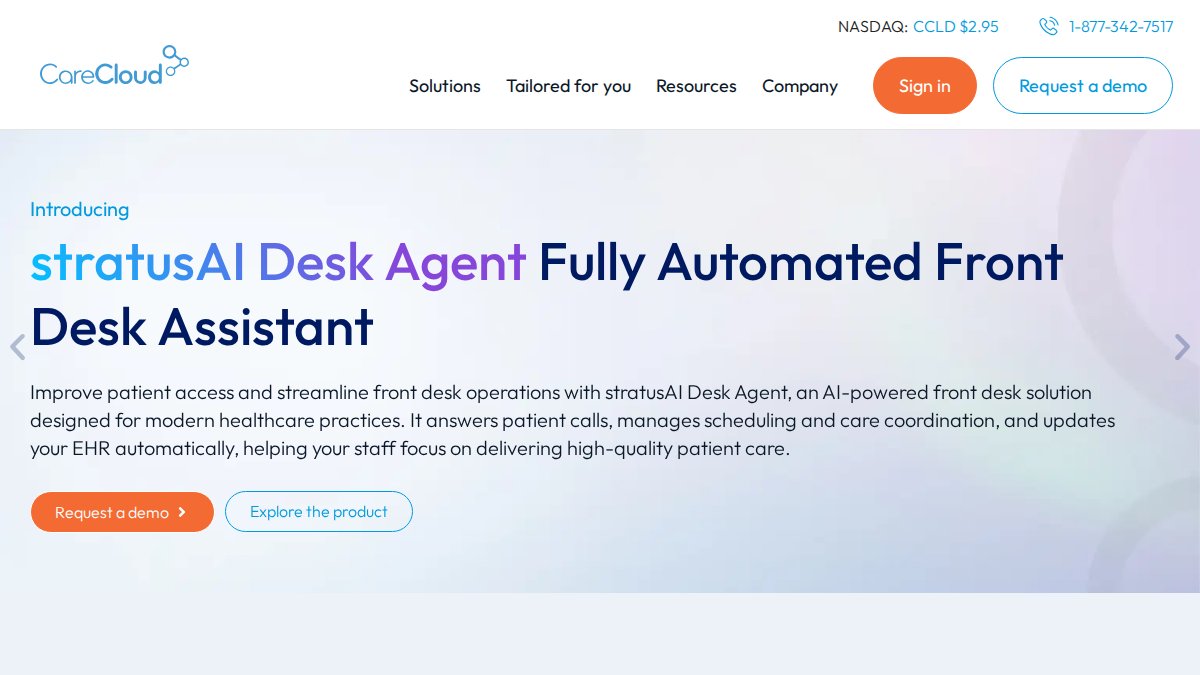
The platform’s multi-view calendar handles complex scheduling scenarios well, which matters when you are managing five or more providers with different availability windows. CareCloud’s analytics and reporting suite gives practice managers real-time visibility into revenue cycle performance, which is genuinely useful rather than decorative.
The honest limitation: CareCloud prefers three-year contracts, and exact pricing requires a sales conversation. That is a friction point for practices that want transparent, self-serve pricing before committing to a demo.
Best for: Large medical offices and growing practices prioritizing scheduling efficiency and billing automation.
AdvancedMD: Best for Multi-Specialty Clinics
What separates AdvancedMD from most competitors is its AI-generated clinical notes and automated insurance entry, which meaningfully reduce the time physicians spend on documentation. Starting at $429 per provider per month, it also offers encounter-based pricing for lower-volume practices, which is a smart option that most reviews overlook.
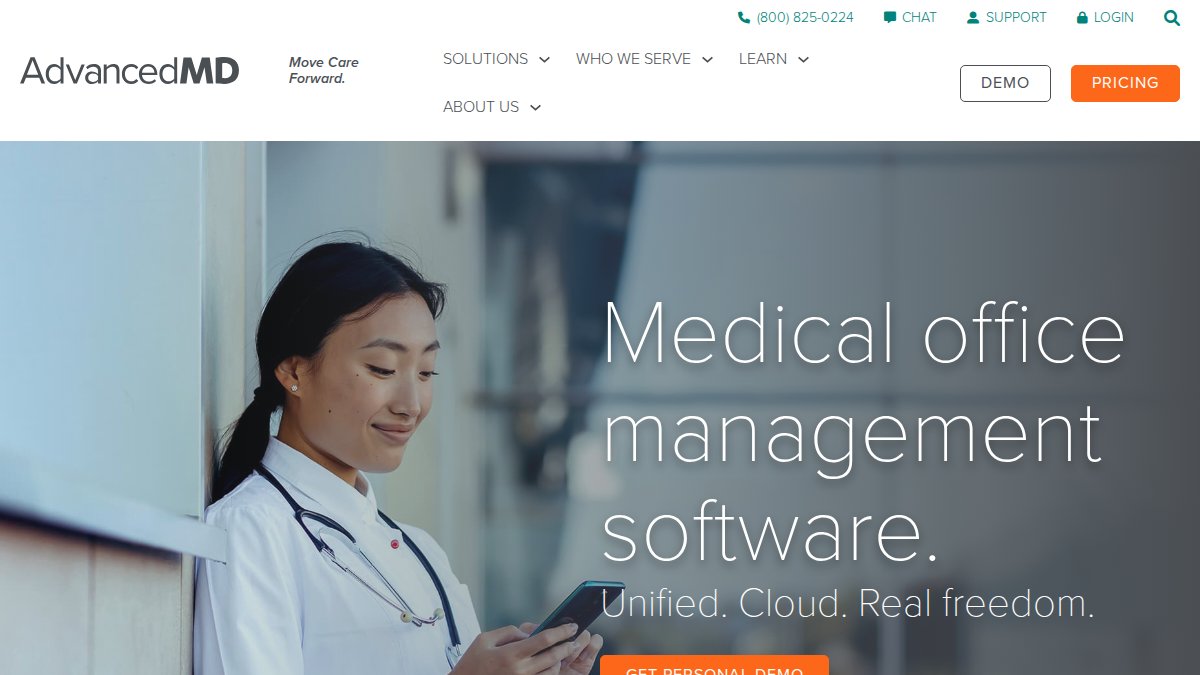
The integrated EHR, practice management, and patient engagement tools work from a single cloud-based platform, so there is no data reconciliation between separate systems. Telehealth is built in. The patient portal supports online scheduling and digital intake forms.
The drawback worth noting: some essential features require paid add-ons, which means the published starting price understates the real monthly cost for most clinics.
If you are evaluating AdvancedMD for a multi-specialty practice, request a line-item breakdown of add-on costs during the demo. Build the fully-loaded per-provider cost before comparing it to competitors.
eClinicalWorks: Best for Ambulatory and Mid-Size Practices
eClinicalWorks charges $449 per provider per month for EHR only, or $599 per provider per month for the combined EHR and practice management package. The higher tier is where the platform earns its reputation: unified scheduling, billing, population health outreach, and the Healow mobile app for patient engagement.
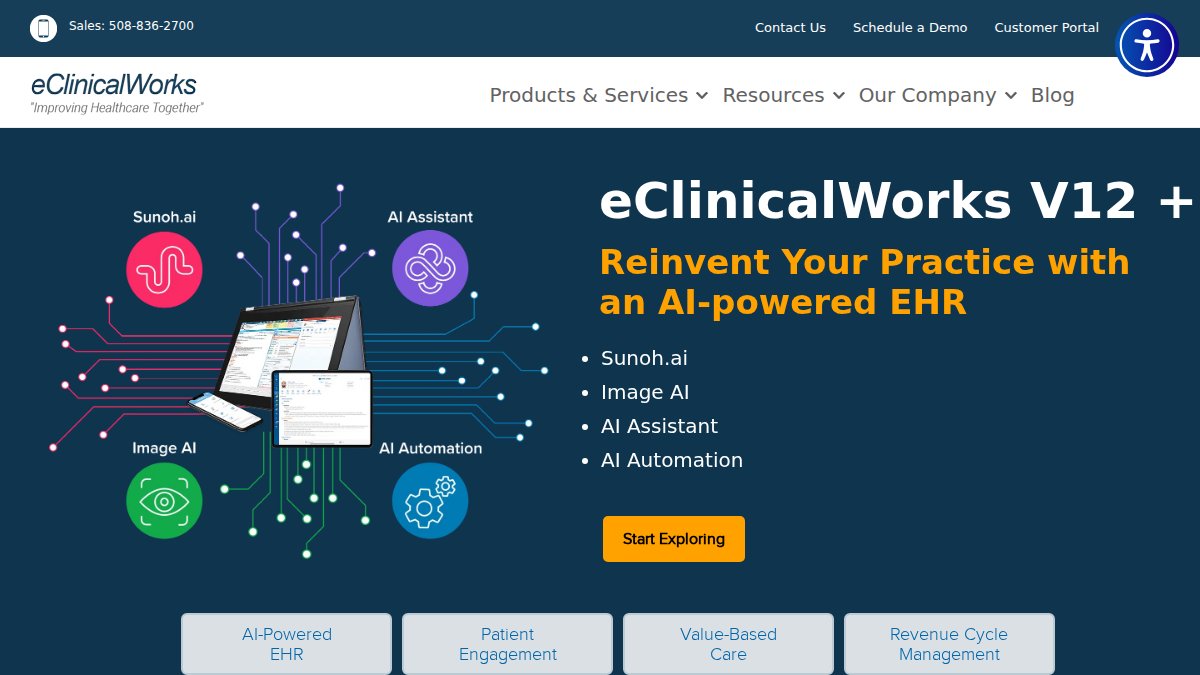
The Sunoh.ai ambient listening scribe is a standout feature for physicians who want to reduce documentation time during patient visits. The platform reports a first-pass claims acceptance rate of 98%, which is a meaningful benchmark for revenue cycle performance.
Implementation fees can be substantial for larger practices, and some users report challenges during system upgrades. Those are real costs to factor into a total cost of ownership analysis.
Athenahealth: Best for Revenue Cycle Outsourcing
Athenahealth takes a different commercial approach: pricing is structured as a percentage of collections for the revenue cycle management module, rather than a flat per-provider fee. That aligns vendor incentives with practice performance, which is either appealing or alarming depending on your collections volume.
The platform’s AI-driven billing rules engine and cloud-based infrastructure make it one of the more technically sophisticated options in this comparison. The clean claim submission rate sits at 98.4%, and the platform automates a significant portion of administrative tasks that smaller platforms leave to staff.
The learning curve is steeper than most competitors. Budget for structured onboarding, not just self-guided training.
Tebra: Best for Independent Private Practices
Tebra, formerly known as Kareo, focuses specifically on small to mid-sized independent practices that need a growth platform, not just an operations tool. The integrated EHR, billing automation, and AI Note Assist for clinical documentation cover the core workflow. The addition of SEO-optimized practice websites is genuinely differentiated for solo practitioners building a patient base.
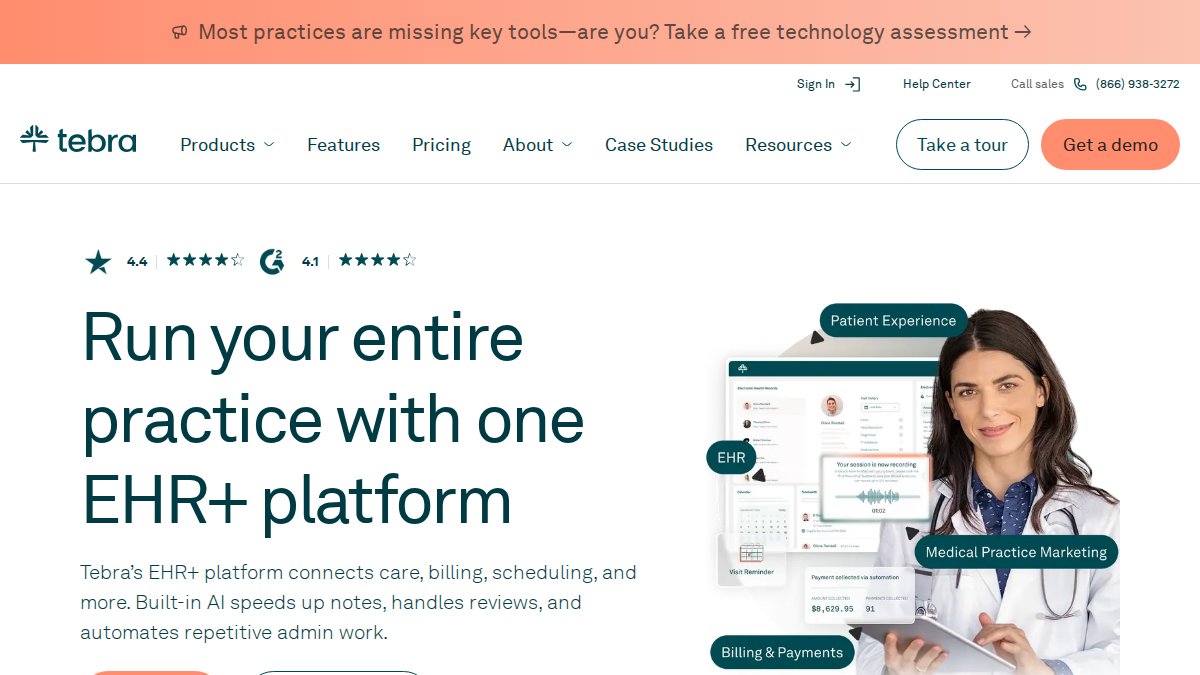
Pricing is custom and requires a quote. Patient payment processing is charged at 2.75% plus $0.30 per transaction. No free trial is available, which is a meaningful friction point when evaluating a platform at this price tier.
Best Medical Practice Management Software for Specialty Workflows
The best medical practice management software for specialty workflows is not a general-purpose platform with a specialty module bolted on. It is a system built from the ground up for how that specialty actually operates.
SimplePractice for Mental Health and Wellness Providers
SimplePractice starts at $49 per month for the Starter plan, making it the most accessible option in this comparison for solo practitioners. The platform handles client scheduling, secure messaging, telehealth, automated invoicing, and paperless intake forms in a HIPAA-compliant environment.
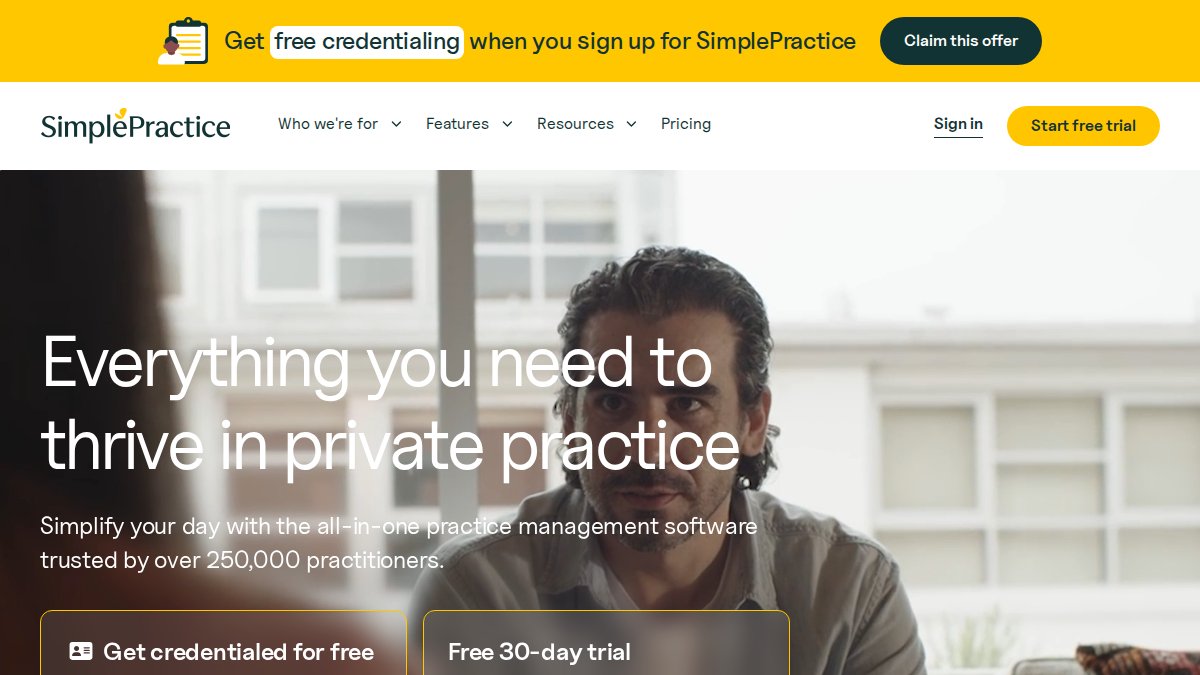
The 30-day free trial is a genuine advantage. The honest caveat: many essential features sit behind higher-tier plans or paid add-ons, so the real monthly cost for a functioning practice typically exceeds the advertised starting price. Map your required features against each plan tier before signing up.
Best for: Mental health professionals, counselors, and therapists in small or new private practices.
WebPT for Rehab Therapy Clinics
WebPT is purpose-built for physical therapists, occupational therapists, and speech-language pathologists. The documentation system includes custom evaluation profiles and auto-scored outcome measurement tools that general-purpose platforms simply do not replicate.

Starting at $99 per month for the Starter plan, WebPT offers mostly transparent pricing, which is rarer than it should be in this market. Unlimited faxing and intake forms that pre-populate clinical notes are practical time-savers. The patient portal is a paid add-on with limited features, which is a frustrating gap for a platform at this price point.
ChiroTouch and DrChrono for Niche Specialties
ChiroTouch is the dominant platform for chiropractic practices. Its 15-second compliant SOAP notes feature is the most-cited reason chiropractors choose it over general-purpose alternatives. Starting at $159 per month for ChiroTouch Core, it covers scheduling, billing, electronic claim submissions, and a Rheo AI Assistant for automated administrative tasks. Users report frequent price increases and extra fees for features that should be standard, so review the full pricing schedule carefully.
DrChrono addresses a different niche: small independent medical practices that prioritize mobile accessibility. As the first EHR application built for iOS, it integrates medical software and billing services into a single mobile-friendly system. Starting around $199 per month, it offers a 30-day free trial, though e-prescribing and claims management features are excluded from the trial period.
EHR and Practice Management Integration: Why It Matters
EHR and practice management integration is the technical architecture that allows clinical documentation and administrative billing data to share a single patient record without manual re-entry. When the two systems are disconnected, billing errors multiply and staff spend hours reconciling discrepancies that should not exist.

The practical consequence of poor integration is claim denials. A diagnosis code entered in the EHR that does not automatically populate the billing module creates a gap that a human has to catch. Most do not catch it until the denial arrives. According to the American Academy of Family Physicians resource center, administrative complexity in billing is one of the leading contributors to practice overhead costs.
Platforms like eClinicalWorks, AdvancedMD, and CareCloud offer native EHR-practice management integration, meaning both functions run on the same codebase. That is meaningfully different from platforms that integrate via API with a third-party EHR. API integrations work, but they introduce sync delays and dependency on two vendor support teams when something breaks.
For practices processing more than 200 claims per month, native EHR and practice management integration is not optional. The billing error rate from disconnected systems compounds at scale in ways that are difficult to recover from without a dedicated revenue cycle team.
Practice Management Software for Small Practices: What to Prioritize
Practice management software for small practices requires a different evaluation framework than enterprise procurement. Budget constraints are real, but the bigger risk is choosing a platform that is too complex for a two-person administrative team to operate effectively.
Small practices, defined here as one to three providers, should prioritize in this order:
- Ease of use over feature depth: A platform your staff can operate confidently within two weeks is worth more than a feature-rich system that requires three months of training.
- Transparent pricing: Avoid platforms that require a sales call to get a price. SimplePractice, WebPT, and ChiroTouch publish their starting rates.
- Billing automation: Automated eligibility checks and claim scrubbing reduce denial rates without requiring a dedicated billing specialist.
- Responsive customer support: Small practices cannot absorb a week-long support ticket queue when a billing issue surfaces.
- Scalability: Choose a platform that can grow with you to five or six providers without requiring a full migration.
What most guides miss is that implementation support quality varies enormously between vendors at the same price point. Ask specifically how many hours of onboarding support are included, and whether a dedicated implementation specialist is assigned to your account.
How to Choose the Right Healthcare Practice Management Solution for Your Clinic
Choosing the right healthcare practice management solution comes down to matching platform capabilities to your practice’s specific operational profile. The right answer for a 15-provider multi-specialty group is almost never the right answer for a solo family physician.
Use this framework before signing any contract:
Step 1: Define your non-negotiables. List five features your practice cannot operate without. If telehealth is critical, eliminate platforms that charge extra for it. If specialty-specific documentation is essential, eliminate general-purpose platforms.
Step 2: Calculate fully-loaded cost. Take the published starting price, add estimated add-on costs, implementation fees, and training time. Compare that number across vendors, not the headline price.
Step 3: Run a claims simulation. Ask each vendor to demonstrate the full claims workflow using a sample patient scenario from your specialty. This surfaces integration gaps and workflow friction that demos rarely show.
Step 4: Check compliance documentation. Every platform in this comparison claims HIPAA compliance. Ask for their Business Associate Agreement, their breach notification history, and their data security audit documentation.
Questions to Ask Before Signing a Contract
Before committing to any healthcare practice management solution, get written answers to these questions:
- What is the total contract length, and what are the early termination penalties?
- Which features require add-on fees beyond the base subscription?
- What is the average implementation timeline for a practice of my size?
- How is customer support structured: dedicated account manager, ticketing system, or phone queue?
- What is the process for data export if we switch platforms?
- What uptime SLA does the vendor guarantee, and what compensation applies if they miss it?
- How are software updates handled, and how much advance notice is provided?
As noted in the Office of the National Coordinator for Health Information Technology’s guidance on health IT contracts, data portability clauses are among the most overlooked and most consequential elements of any health IT agreement.
Conclusion
Selecting a practice management platform is one of the highest-stakes operational decisions a clinic makes, and most practices make it without a structured evaluation process. The healthcare practice management solutions reviews landscape is cluttered with vendor marketing dressed up as objective analysis. What your clinic actually needs is a framework for matching platform capabilities to your specific workflow, billing volume, and specialty requirements.
Medical Management Tutorial provides exactly that kind of structured guidance, helping clinics cut administrative friction, improve patient flow, and strengthen billing processes through practical resources built for real medical office environments. The platform’s focus on improving results from training means your staff can operate new systems confidently, not just theoretically.
Get started with Medical Management Tutorial and build the evaluation process your clinic needs before the next contract renewal arrives.
Frequently Asked Questions
What is healthcare practice management software?
Healthcare practice management software is a platform that helps medical offices handle administrative and financial tasks such as scheduling, medical billing, claims processing, revenue cycle management, and reporting. Many modern solutions also integrate with EHR systems and include patient portals, telehealth capabilities, and AI-driven features. The goal is to reduce administrative friction, improve patient flow, and support overall clinic operations so providers can focus more on patient care.
Which healthcare practice management software is best for small practices?
For small practices, affordability and ease of use matter most. SimplePractice starts at $49 per month and suits solo mental health providers, while Tebra and DrChrono offer accessible pricing with strong billing and telehealth tools for independent clinics. CareCloud starts at $349 per provider per month and scales well as practices grow. When reviewing practice management software for small practices, prioritize HIPAA compliance, customer support quality, and whether essential features are included without costly add-ons.
What is the difference between practice management software and EHR?
EHR (Electronic Health Records) software focuses on clinical documentation, storing patient histories, diagnoses, e-prescriptions, and treatment notes. Practice management software handles the business side: scheduling, medical billing, claims processing, and revenue cycle management. Many platforms like AdvancedMD, eClinicalWorks, and CareCloud now offer integrated EHR and practice management in one system, which reduces duplicate data entry, improves workflow optimization, and gives staff a unified view of both clinical and financial tasks.
How much does healthcare practice management software typically cost?
Pricing varies widely depending on practice size and features needed. Entry-level options like SimplePractice start around $49 per month, while specialty platforms like WebPT begin at $99 per month. Mid-range solutions such as CareCloud start at $349 per provider per month, and AdvancedMD starts at $429 per provider per month. Athenahealth and Tebra use custom or percentage-of-collections pricing. Always confirm whether implementation, training, and add-on features are included to avoid unexpected costs.
How can healthcare practice management software improve clinic efficiency?
The right solution reduces time spent on repetitive administrative tasks by automating appointment scheduling, insurance eligibility checks, claims submission, and patient reminders. Integrated patient portals and telehealth integration cut down on phone calls and no-shows. AI-driven features in platforms like eClinicalWorks and AdvancedMD can auto-generate clinical notes and flag billing errors before submission, improving first-pass claim acceptance rates and overall staff productivity across the medical office.