

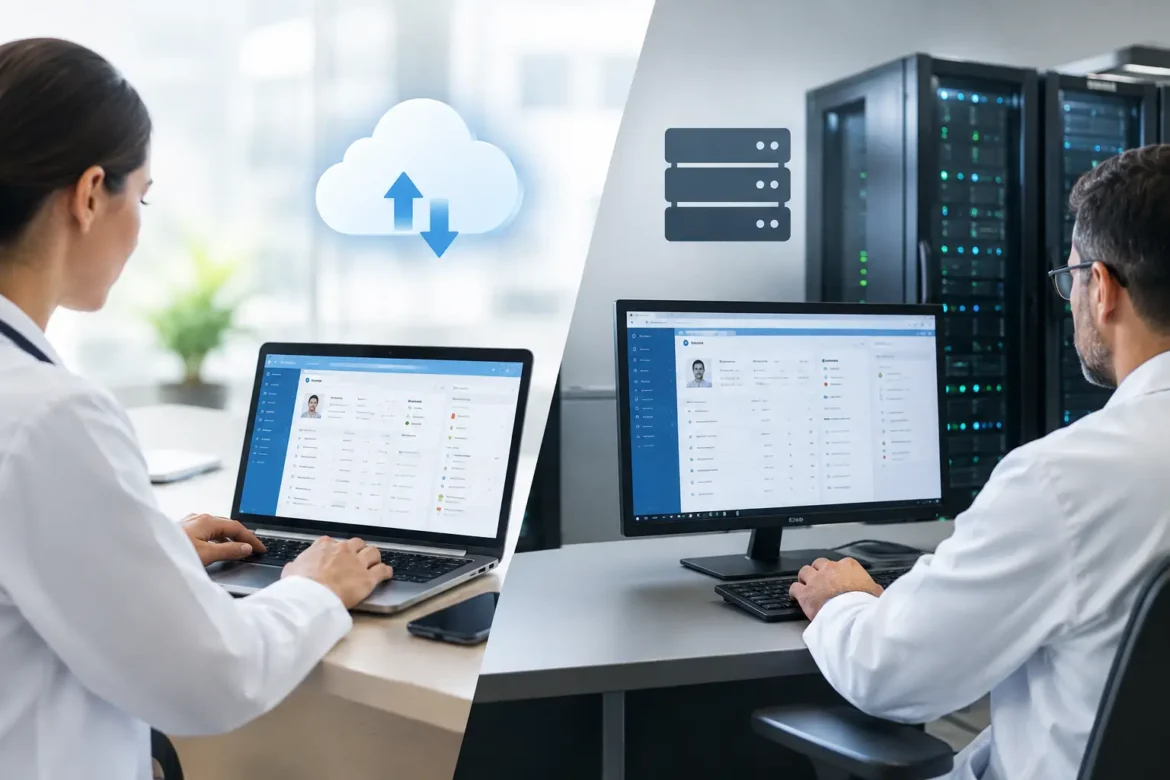
A server failure at 8:15 a.m. can quickly become a patient-care problem. Front-desk staff cannot verify appointments, clinicians cannot review histories, and billing stops moving. That is why the cloud versus on premise EHR decision should not be treated as a basic technology purchase. It is an operational decision that affects continuity of care, staff workload, patient communication, financial planning, and your ability to grow.
For many independent practices and specialty clinics, a cloud EHR is now the default starting point. But default does not mean automatic best fit. An on-premise system can still make sense for organizations with unusual control requirements, established IT resources, or limited tolerance for recurring vendor dependence. The right choice comes from evaluating how your practice actually operates on its busiest days.
Cloud Versus On-Premise EHR: The Core Difference
A cloud-based EHR is hosted in remote data centers and accessed through the internet, typically using a browser or application. The vendor generally manages the underlying servers, software updates, backups, and much of the security infrastructure. The practice pays a recurring subscription, often based on providers, users, features, or patient volume.
An on-premise EHR is installed on servers owned or directly controlled by the practice or health system. Your organization, or a contracted IT partner, is responsible for hardware, software maintenance, backups, updates, network security, and disaster recovery. Costs tend to be more front-loaded, with ongoing expenses for support, upgrades, and technical administration.
The distinction sounds straightforward, but the practical implications are not. Cloud systems shift much of the technical burden to the vendor. On-premise systems give the practice more direct control, but also more direct responsibility.
Where Cloud EHRs Usually Help a Practice Most
Cloud EHRs are attractive because they reduce the infrastructure a practice must maintain internally. For a clinic without a dedicated IT department, this can be a meaningful advantage. Staff can access schedules, charts, messages, and reports from authorized locations without managing a local server room.
Faster implementation and easier updates
A cloud platform can often be deployed more quickly than a locally installed system. Configuration, data migration, template design, and training still require planning, but there is no need to purchase, install, and configure extensive server hardware before the project begins.
Updates are another practical benefit. Regulatory changes, security patches, feature improvements, and integrations may be delivered by the vendor without requiring the practice to schedule an internal software upgrade. That can reduce disruption, although practices should still ask how updates are communicated and whether workflow changes can be tested before they reach production.
Better fit for mobile and multi-site work
Physicians increasingly work across more than one setting: a primary office, surgery center, hospital, satellite clinic, or telehealth environment. A properly configured cloud EHR can support that mobility without requiring users to connect to an office-based server through a virtual private network.
For practice managers, access to real-time scheduling, billing dashboards, patient messages, and operational reports can also improve oversight. The benefit is not simply convenience. Faster visibility helps managers address missed appointments, unsigned notes, aging claims, and staffing bottlenecks before they become larger problems.
More predictable technology spending
Cloud subscriptions can make budgeting easier because costs are typically recurring and visible. This model may be particularly useful for growing practices that want to avoid a large capital expenditure at the start.
However, predictable does not always mean lower. Subscription fees can rise over time, and optional modules for patient engagement, analytics, telehealth, e-prescribing, or revenue cycle management can materially change the total cost. Ask for a multi-year cost projection, not only the first-year quote.
When an On-Premise EHR May Still Be the Better Choice
On-premise EHRs are no longer the obvious standard, but they are not obsolete. Some organizations prefer them because local control is central to their operations, integration needs, or risk strategy.
A larger medical group with experienced internal IT staff may be able to manage local infrastructure effectively. Organizations with highly customized workflows or specialized devices may also find that an on-premise environment gives them greater flexibility, especially when legacy systems must remain connected.
Local hosting can offer a sense of direct control over data storage, software timing, and system configuration. Yet that control has a cost. The practice must be prepared to replace aging hardware, monitor performance, apply patches, test backups, secure endpoints, and respond to outages. Owning the server does not eliminate risk. It transfers more of the risk-management work to your organization.
Evaluate Security Beyond the Hosting Location
A common misconception is that on-premise data is automatically safer because it is physically nearby, or that cloud data is automatically safer because it sits with a major vendor. Neither assumption is sufficient.
Security depends on governance, technical controls, and daily discipline. A cloud vendor may offer sophisticated encryption, monitoring, redundancy, and dedicated security staff that a small practice could not reasonably maintain alone. But the practice still needs strong access controls, staff training, device policies, and a clear process for terminating access when employees leave.
With on-premise systems, the practice has greater control over its environment, but it must actively maintain that environment. An unpatched server, weak password policy, outdated firewall, or untested backup can create serious exposure.
When reviewing any EHR, ask direct questions about these areas:
- HIPAA responsibilities and the business associate agreement
- Encryption of data in transit and at rest
- Multi-factor authentication and role-based user access
- Backup frequency, data restoration testing, and disaster recovery targets
- Security incident notification procedures and vendor support availability
Do not accept vague assurances that a platform is “HIPAA compliant.” Compliance is shared. The vendor’s safeguards matter, but so do the policies and behaviors inside your practice.
Compare the Real Cost of Ownership
The most useful financial comparison is not cloud subscription versus server purchase. It is total cost of ownership over at least three to five years.
For a cloud EHR, include implementation, data migration, monthly or annual subscriptions, training, interfaces, optional modules, support tiers, and anticipated price increases. Also account for the internet connectivity your practice needs to operate reliably.
For an on-premise EHR, include software licensing, servers, storage, networking equipment, backup systems, cybersecurity tools, IT labor, maintenance contracts, electricity, replacement hardware, and downtime risk. A lower initial software fee can become costly when critical infrastructure needs replacement or an urgent security issue requires outside expertise.
Practices should also calculate the cost of inefficiency. If one platform reduces duplicate data entry, improves charge capture, shortens checkout, or gives patients easier access to forms and messages, that operational value belongs in the decision. Technology should support a better patient experience and a more sustainable workday, not merely meet a technical requirement.
Plan for Downtime Before Choosing Either Model
Every EHR can become unavailable. Cloud systems depend on internet access and vendor availability. On-premise systems depend on local hardware, power, network health, and the practice’s ability to recover from a failure.
The question is not whether downtime is possible. The question is whether your team can keep caring for patients safely when it occurs.
Create a downtime procedure before implementation, and train staff on it. It should cover how appointments are checked in, how urgent clinical information is accessed, how paper documentation is handled, who communicates with patients, and how records are reconciled once the system is restored. A short, rehearsed plan protects both patient trust and staff confidence.
For cloud EHRs, consider a secondary internet connection or cellular backup. For on-premise systems, verify backup power, off-site data copies, recovery testing, and support response times. A backup that has never been restored is not a proven backup.
Make the Decision Around Your Practice, Not the Sales Demo
A polished demonstration can make almost any EHR look efficient. The more revealing question is how the platform handles your actual workflows: a late-arriving patient, a referral that needs follow-up, a prior authorization, a prescription renewal, a complex charge correction, or a clinician working from another site.
Include the people who perform these tasks every day. Physicians should assess clinical documentation and decision support. Front-desk staff should evaluate registration, scheduling, and patient communication. Billing staff should test charge capture, claim workflows, and reporting. Your IT adviser should review security, integrations, and recovery commitments.
Before signing, request clarity on data ownership and extraction. If you change vendors, how will you receive clinical records, scanned documents, billing data, audit logs, and patient communications? In what format? At what cost? Vendor exit planning may feel premature during selection, but it is a practical safeguard.
The best EHR model is the one your practice can operate reliably, secure responsibly, and use consistently to improve care. Choose the platform that makes the next busy Monday more manageable, then invest in training and workflow ownership so the technology earns its place in the practice.