

Table of Contents
- What You’ll Need Before You Streamline Patient Registration in UK Clinics
- Step 1: Switch to Digital Patient Intake Forms UK Clinics Can Deploy Quickly
- Step 2: Choose the Right Patient Registration Software for GP Practices
- Step 3: Ensure GDPR Compliance for Patient Data Collection
- Step 4: Automate Insurance Eligibility Verification and Reduce Claim Denials
- Step 5: Focus on Reducing Administrative Workload in UK Clinics
- Step 6: Improve Patient Experience and Accessibility During Registration
- Common Mistakes to Avoid When Streamlining Patient Registration in UK Clinics
- Conclusion
Last Updated: May 28, 2026
UK clinics are under mounting pressure to process patients faster, more accurately, and with fewer staff resources than ever before. Knowing how to simplify patient registration process in UK clinics is no longer a nice-to-have administrative goal: it is a clinical necessity that directly affects patient safety, revenue cycle management, and staff retention. This guide from Medical Management Tutorial covers every step, from auditing your current workflow to deploying NHS-compatible software, so you can cut administrative friction without cutting corners on compliance.
Here is what most guides get wrong: they treat patient registration as a front desk problem. It is not. It is a whole-clinic problem that touches data accuracy, insurance verification, GDPR compliance, clinical coordination, and patient experience simultaneously. Below, we will show you exactly how to address each layer in sequence.
What You’ll Need Before You simplify Patient Registration in UK Clinics
Before changing anything, you need a clear picture of what is broken. Patient registration is the entry point to the entire revenue cycle, and a poorly understood baseline leads to poorly targeted fixes.
Audit Your Current Front Desk Workflow
Start by mapping every touchpoint a patient encounters from the moment they book an appointment to the moment they are called into the consultation room. Document each step, who is responsible for it, how long it takes, and what tools are involved. Many UK clinics discover that front desk staff are re-entering the same patient data two or three times across disconnected systems, a direct cause of data inaccuracy and wasted time.
A practical audit checklist looks like this:
- Map every step in the patient onboarding sequence from booking to check-in
- Record average time spent on each step
- Identify which steps require manual data entry
- Note which systems do not communicate with each other
- Log the frequency and type of patient registration errors per week
- Document staff complaints about the current process
Identify Key Bottlenecks in Patient Onboarding
The most common bottlenecks in UK clinic registration fall into three categories: paper-based intake forms that slow check-in, manual insurance eligibility verification that delays billing, and fragmented systems that force staff to duplicate effort. Identify which of these applies to your clinic before selecting any software or process change. Fixing the wrong bottleneck wastes budget and demoralises staff.
Skipping the audit phase and jumping straight to software procurement is the single most expensive mistake clinics make. Without a documented baseline, you cannot measure improvement or justify the investment to practice leadership.
Step 1: Switch to Digital Patient Intake Forms UK Clinics Can Deploy Quickly
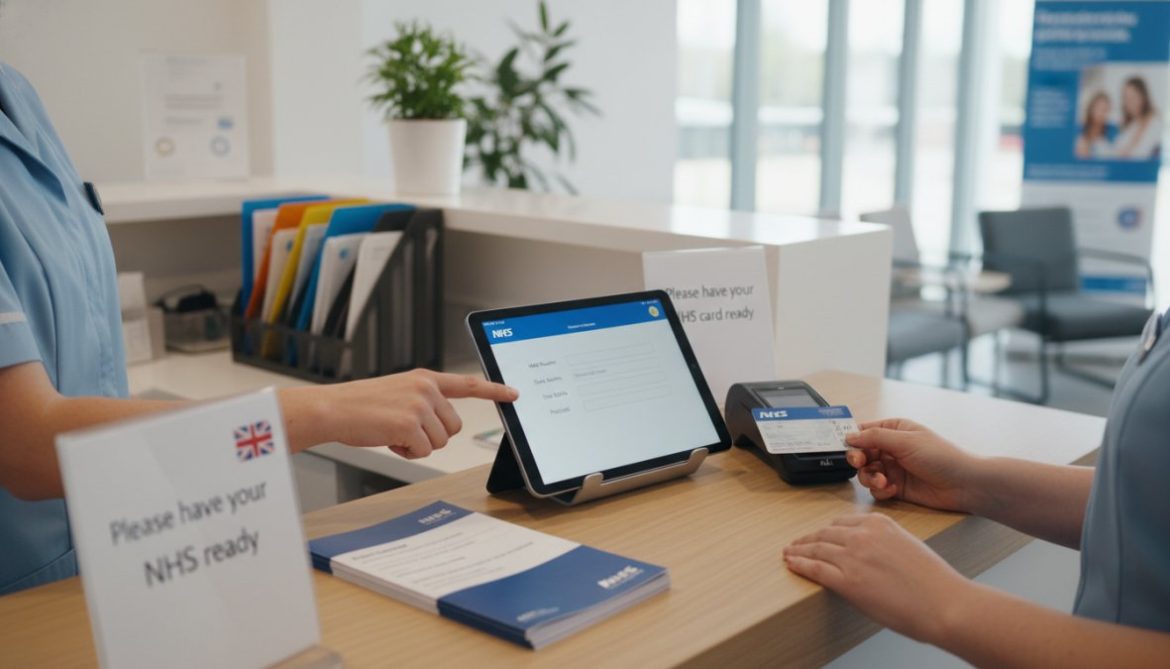
Digital patient intake forms are the fastest, highest-impact change most UK clinics can make to their registration workflow. Instead of patients arriving early to fill out paper forms at the front desk, they complete their information online before the appointment, reducing wait times and eliminating manual transcription errors.

The shift to digital intake forms also improves data accuracy at the source. When patients enter their own information directly into a structured form, the data flows into your practice management software without a staff member re-typing it. Fewer keystrokes mean fewer errors, and fewer errors mean fewer claim denials downstream.
Choosing a Form Format That Works for All Patients
Accessibility is non-negotiable in NHS-aligned care. Your digital intake forms must work across devices, including smartphones and tablets, and must meet NHS digital accessibility standards for patients with visual or cognitive impairments. Offer a paper alternative for patients who cannot use digital tools, and train front desk staff to assist patients who need help completing forms on a clinic device.
Key form design principles for UK clinics:
- Use plain English and avoid clinical jargon in patient-facing questions
- Keep the form to the minimum fields required for safe registration
- Include a clear GDPR consent checkbox before any data is collected
- Test the form on both iOS and Android devices before launch
- Provide an option to save progress and return later for longer forms
Pilot your digital intake form with a small cohort of patients before full rollout. Collect feedback on clarity and ease of use. A two-week pilot typically surfaces 80% of usability issues before they affect the wider patient population.
Step 2: Choose the Right Patient Registration Software for GP Practices
The right patient registration software for GP practices does three things well: it captures patient data accurately, it connects to your existing clinical systems, and it handles UK regulatory requirements without requiring your staff to become compliance experts.
Integration with NHS Systems: EMIS, SystmOne, and Beyond
This is the part most UK-focused guides completely ignore. The vast majority of GP practices in England run on either EMIS Web or SystmOne. Any patient registration or practice management software you adopt must integrate with your primary clinical system, otherwise you are creating a parallel data silo that doubles your administrative burden rather than reducing it.
Before evaluating any vendor, ask explicitly: does your software have a verified integration with EMIS Web or SystmOne? Can patient registration data entered through your digital intake forms flow directly into the clinical record without manual re-entry? According to NHS Digital guidance on clinical system integration, data integrity across connected systems is a core requirement for NHS-compliant digital transformation.
Private clinics operating outside the NHS ecosystem should verify compatibility with their chosen electronic health record (EHR) platform before signing any contract.
Key Features to Look for in Practice Management Software
Not all practice management software is built for the UK market. Prioritise these features:
| Feature | Why It Matters | UK-Specific Consideration |
|---|---|---|
| NHS number field | Required for NHS patient records | Mandatory for NHS-connected practices |
| GDPR consent management | Legal requirement for data collection | Must log consent with timestamp |
| EMIS/SystmOne integration | Prevents duplicate data entry | Verify API compatibility before purchase |
| Online scheduling | Reduces phone call volume at front desk | Supports NHS online booking standards |
| Automated appointment reminders | Cuts no-show rates | Must include opt-out option per PECR rules |
| Audit trail for data changes | Required for CQC inspections | Log all access and amendments |
Step 3: Ensure GDPR Compliance for Patient Data Collection
GDPR compliance for patient data collection is not optional in UK clinics: it is a legal obligation enforced by the Information Commissioner’s Office (ICO), with fines for serious breaches reaching significant levels. Patient registration is the primary point at which personal and special category health data is collected, making it the highest-risk step in your administrative workflow.
Patient registration data is classified as special category data under UK GDPR because it relates to health. This means you need an explicit lawful basis for processing it, a documented data retention policy, and a clear process for responding to subject access requests.
Consent Management and Data Security Best Practices
Consent management is where many clinics fall short. A checkbox on a form is not sufficient on its own. Your consent process must:
- Clearly explain what data is being collected and why
- State how long the data will be retained
- Identify any third parties who will receive the data
- Provide a genuine opt-out that does not affect the patient’s ability to receive care
- Log the consent event with a timestamp and the version of the privacy notice shown
For data security, patient data collected through digital intake forms must be encrypted in transit and at rest. Access must be restricted to authorised clinical and administrative staff, and your system must maintain an audit trail of who accessed or amended patient records and when. Review ICO guidance on health data and special category processing to ensure your consent workflows meet current UK GDPR standards.
Using a generic online form tool like a standard survey platform to collect patient health data almost certainly violates UK GDPR. These tools are not designed for special category data and typically lack the encryption, access controls, and audit trails required by law.
Step 4: Automate Insurance Eligibility Verification and Reduce Claim Denials
This step looks different depending on whether your clinic operates within the NHS or as a private provider, and most guides written for this topic ignore that distinction entirely because they are aimed at the US market. The section below addresses both pathways with the specificity each requires.
For NHS GP Practices: Verifying Patient Registration Status via PDS
For NHS-connected practices, the equivalent of insurance eligibility verification is confirming that a patient is correctly registered on your list and that their demographic record is accurate before the appointment takes place. The mechanism for this is the Personal Demographics Service (PDS), the national database of NHS patient demographic information maintained by NHS England.
EMIS Web and SystmOne both support PDS lookups natively. When a patient pre-registers or books online, a PDS trace can be triggered automatically to:
- Confirm the patient’s NHS number
- Verify their registered GP practice
- Retrieve current address and contact details held centrally
- Flag any demographic mismatches between your local record and the national record
Running PDS traces at pre-registration rather than on the day of the appointment gives administrative staff time to resolve discrepancies, for example, a patient who has moved practice but not updated their registration, or a patient whose NHS number is recorded incorrectly in your system. Unresolved demographic mismatches are a common cause of rejected referrals and delayed prescriptions, both of which create downstream clinical risk.
Practices using EMIS Web can access PDS functionality through the Spine Mini Services Provider (SMSP) connection that EMIS maintains with NHS Spine. SystmOne practices access equivalent functionality through the TPP Spine connection. Neither requires a separate integration purchase, the capability is built into the clinical system, but it must be actively configured and incorporated into your pre-registration workflow rather than left as an ad hoc manual lookup.
If your practice is not currently running PDS traces at pre-registration, ask your EMIS or SystmOne account manager to walk you through enabling automated demographic verification as part of your online booking or pre-registration flow. This is one of the lowest-cost, highest-accuracy improvements available to NHS practices.
For Private UK Clinics: Navigating the UK Private Medical Insurance Landscape
Private clinics in the UK deal with a concentrated set of insurers rather than the fragmented US payer landscape. The major private medical insurers operating in the UK include Bupa, AXA Health, Aviva, Vitality Health, and WPA, along with a smaller number of specialist or employer-funded schemes. Each insurer has its own pre-authorisation requirements, benefit structures, and claims submission portals, and the rules change regularly.
The core problem manual eligibility verification creates in this environment is threefold:
- Pre-authorisation gaps. Many UK private insurers require pre-authorisation for specific procedures or specialist consultations. If a patient arrives without a valid authorisation number and staff have not verified this in advance, the clinic either has to delay the appointment or risk submitting a claim that will be rejected outright.
- Benefit limit errors. Patients frequently do not know their remaining annual benefit limit or their excess amount. Submitting a claim for a patient who has exhausted their annual limit results in a denial that is entirely preventable with a pre-appointment check.
- Policy lapse. Employer-funded PMI policies lapse when an employee changes jobs. Patients do not always notify the clinic, and a claim submitted against a lapsed policy will be denied in full.
Automated eligibility verification tools that connect directly to UK insurer APIs address all three of these failure modes by querying coverage status at the point of pre-registration, typically 24 to 72 hours before the appointment. At the time of writing, Healthcode is the primary UK-specific platform used by private clinics and hospitals for electronic claims submission and eligibility checking, with connections to the major UK PMI providers. Clinics using Healthcode can run eligibility checks through its ePractice portal or via API integration with compatible practice management systems.
The practical workflow for a private clinic should look like this:
- Patient completes digital pre-registration form, including insurer name and membership number
- System triggers automated eligibility query to the insurer (via Healthcode or direct insurer portal integration) at 48-72 hours before appointment
- Results are returned to the practice management system: coverage confirmed, pre-authorisation status, excess amount, and remaining benefit limit
- Front desk staff review any flagged discrepancies and contact the patient or insurer to resolve before the appointment
- Authorisation number is recorded against the appointment record before the patient arrives
This sequence moves eligibility from a reactive, day-of-appointment problem to a proactive, pre-appointment quality check, which is the structural change that reduces claim denials.
Measuring the Impact on Revenue Cycle Management
The most useful metrics to track once automated eligibility verification is in place are:
- First-pass claim acceptance rate, the percentage of claims accepted by the insurer on first submission without correction
- Denial rate by denial reason, segmented to isolate eligibility-related denials from coding or documentation denials
- Days in accounts receivable, how long it takes from appointment to payment receipt
- Pre-authorisation failure rate, how often a patient arrives without a valid authorisation that should have been obtained in advance
Tracking these metrics before and after implementing automated verification gives you the evidence base to justify the operational cost of the tool and to identify whether any denial categories remain that require a different intervention.
Do not assume that a verbal confirmation from a patient that they are covered is sufficient for a private clinic. Patients routinely misunderstand their own policy terms. The only reliable confirmation is a written eligibility response from the insurer, obtained before the appointment takes place.
Step 5: Focus on Reducing Administrative Workload in UK Clinics
Reducing administrative burden is the practical outcome that every other step in this guide is building toward. Front desk staff in UK clinics spend a disproportionate share of their time on tasks that do not require clinical judgment: answering phones, manually entering data, chasing missing forms, and resolving registration errors created earlier in the process.
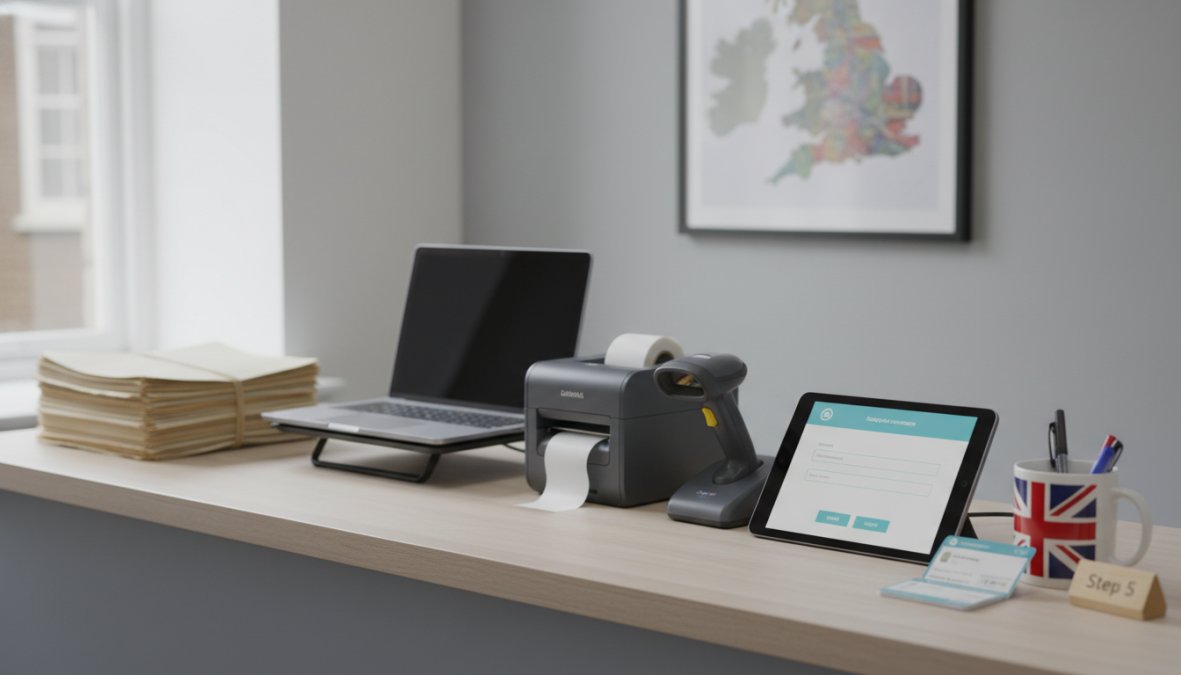
The goal is not to eliminate front desk staff. It is to redirect their time toward tasks that actually require human judgment: handling complex patient queries, supporting patients with accessibility needs, and coordinating clinical schedules.
Automated Reminders and Online Scheduling to Cut No-Show Rates
No-show rates are a persistent drain on clinic capacity and revenue. Automated appointment reminders, sent via SMS or email at 48 hours and again at 24 hours before the appointment, consistently reduce no-show rates across primary and secondary care settings. According to NHS England guidance on reducing missed appointments, missed appointments cost the NHS significant resources annually, and automated reminder systems are among the most cost-effective interventions available.
Online scheduling reduces the volume of inbound phone calls that occupy front desk staff during peak hours. When patients can book, reschedule, or cancel appointments through a patient portal or clinic website, staff are freed from the phone to focus on patients who are physically present.
Pair automated reminders with a clear cancellation policy and an easy cancellation link in every reminder message. The easier it is for patients to cancel, the more likely they are to do so rather than simply not turning up, which gives the clinic time to fill the slot.
Step 6: Improve Patient Experience and Accessibility During Registration
Patient experience during registration sets the tone for the entire clinical encounter. A slow, confusing, or paper-heavy registration process signals to patients that the clinic is disorganised, which erodes trust before the consultation even begins. But improving that experience in a UK clinic context requires addressing two challenges that most guides skip entirely: making digital registration genuinely accessible to all patients, and managing the staff transition in a way that does not create resistance that quietly undermines everything you have built.
Accessibility: Meeting the Equality Act 2010 and WCAG 2.1 in Practice
UK clinics have a legal obligation under the Equality Act 2010 to make reasonable adjustments for patients with disabilities. In the context of digital registration, this obligation is not satisfied by simply having a paper form available as a fallback. Reasonable adjustments require a proactive, designed approach to inclusion, not a reactive workaround for patients who complain.
The practical accessibility requirements for a UK clinic digital registration system fall into four categories:
1. Technical accessibility of digital forms
Any patient-facing digital intake form must meet WCAG 2.1 Level AA as a minimum standard. This is the threshold referenced in the NHS digital service standard for patient-facing services and the standard against which the Government Digital Service evaluates public-sector digital tools. In practical terms, WCAG 2.1 AA compliance means:
- All form fields have visible, programmatically associated labels (not just placeholder text that disappears when the patient starts typing)
- Error messages are specific and describe how to fix the problem, not just that an error occurred
- The form is fully navigable by keyboard alone, without requiring a mouse
- Colour contrast ratios meet the 4.5:1 minimum for normal text
- The form works correctly with common screen readers, including NVDA on Windows and VoiceOver on iOS
- Session timeouts are either disabled or give the patient adequate warning and the ability to extend the session
Before launching any digital intake form, conduct a structured accessibility audit. If your team does not have the expertise to do this internally, the AbilityNet free website accessibility checker provides a starting point, and AbilityNet also offers clinic-accessible professional audit services.
2. Language and literacy barriers
Digital literacy and English language proficiency are not the same barrier, but both affect registration completion rates. For patients with limited English, consider:
- Offering the intake form in the most common languages spoken in your patient population. NHS England’s translation guidance recommends identifying the top languages from your patient demographic data rather than translating into every possible language.
- Using the NHS Language Line or equivalent telephone interpretation service for patients who need assisted registration by phone.
- Keeping form language at a reading age of approximately 9 years, consistent with NHS plain English guidance. Tools such as the Hemingway Editor can help assess readability during form design.
For patients with low digital literacy, older patients, patients with cognitive impairments, or patients who simply do not own a smartphone, the solution is not to force digital completion. It is to provide a staffed assisted-registration pathway that uses the same digital form on a clinic device, completed by a trained staff member with the patient present. This preserves the data accuracy benefits of digital intake while removing the access barrier.
3. Physical accessibility at the point of registration
If your clinic uses tablets or kiosks for in-clinic digital registration, the physical setup matters. Tablet stands must be adjustable for wheelchair users. Touchscreens must be responsive enough for patients with limited fine motor control. Kiosks must not require patients to stand for extended periods. These are not edge cases, they are common patient presentations in a general practice or outpatient clinic setting.
4. Cognitive accessibility
Patients with dementia, learning disabilities, or acquired brain injuries may struggle with multi-step digital forms even when the technical accessibility is correct. Design principles that help include: one question per screen rather than long scrolling forms, progress indicators that show how far through the form the patient is, and the ability to save progress and return later. For patients who cannot complete registration independently, a nominated carer or family member should be able to complete the form on their behalf with appropriate consent recorded.
Build an accessibility review into your annual registration process audit, not just your initial deployment. WCAG standards are updated, your patient population changes, and software updates can inadvertently break accessibility features that were working correctly at launch.
Change Management for Staff: Making the Transition Stick
The most technically sound digital registration system will fail if front desk staff work around it. Workarounds, printing forms and re-entering data manually, bypassing the digital consent step, keeping a parallel paper log, are not signs of bad staff. They are signs of a change management process that did not give staff the confidence or the context to use the new system correctly under pressure.
The following framework is drawn from change management practice applied specifically to administrative healthcare settings:
Phase 1: Involve staff before selection, not after
Front desk staff who are consulted during software selection are significantly more likely to adopt the chosen system than staff who are presented with a fait accompli. This does not mean staff make the final decision, it means their input on daily friction points shapes the evaluation criteria. Ask front desk staff to score candidate systems on the tasks they perform most frequently, not on features they will rarely use.
Phase 2: Train to competence, not to completion
A one-hour training session before go-live is not sufficient for a system that staff will use under time pressure with patients present. Effective training for administrative system transitions typically includes:
- A structured walkthrough of the new workflow with no patients present
- Supervised practice on test patient records until the staff member can complete a full registration cycle without prompting
- A written quick-reference card for the first two weeks, covering the five most common tasks
- A named internal contact (not just a vendor helpdesk number) for questions during the first month
Designate a clinical champion, ideally a senior receptionist or practice manager who has been involved from the selection phase, to provide peer support during the transition. Staff are more likely to ask a trusted colleague for help than to call a vendor support line when they are stuck with a patient waiting.
Phase 3: Acknowledge the transition cost honestly
Any new system is slower to use than a familiar one for the first four to eight weeks, regardless of how much better it is in the long run. If practice leadership pretends this is not true, staff lose trust in the change process when they experience it. Set realistic expectations: acknowledge that the first month will feel slower, explain why the investment is worth it, and commit to a review at six weeks to address any genuine usability problems that have emerged.
Phase 4: Measure and share the results
Staff who can see that the new system is working, fewer registration errors, shorter check-in queues, fewer patient complaints, are far more likely to maintain correct use of it. Share the metrics that matter to front desk staff specifically: time saved per registration, reduction in phone calls from patients chasing forms, reduction in the number of times they have to ask a patient to repeat information. These are the outcomes that make the change feel worthwhile at the level of daily experience.
Accessibility and change management are not soft add-ons to a digital registration project, they are the two factors most likely to determine whether the investment delivers its intended outcome. A registration system that excludes 15% of your patient population or that staff have quietly stopped using correctly is not a streamlined system, regardless of what it looked like in the vendor demo.
Common Mistakes to Avoid When simplifying Patient Registration in UK Clinics
Understanding how to simplify patient registration process in UK clinics also means knowing what not to do. These are the mistakes that consistently derail otherwise well-planned improvement projects.
Buying software before fixing the process. Technology accelerates whatever process you already have. If your current workflow is broken, new software will make it faster to be broken. Fix the process first, then automate it.
Ignoring staff input during implementation. Front desk staff know where the real friction points are. Excluding them from the design phase produces solutions that look good in a demo and fail in daily use.
Treating GDPR as a one-time checkbox. GDPR compliance for patient data collection is an ongoing obligation, not a setup task. Consent records, data retention schedules, and privacy notices need regular review as your systems and processes change.
Deploying digital forms without an accessibility review. A digital intake form that cannot be completed by a patient using a screen reader or with limited English proficiency creates an equity gap in care access. Test with real users before launch.
Neglecting integration testing. A patient registration system that does not reliably pass data to your clinical system creates more work than it saves. Insist on a documented integration test with your EMIS or SystmOne instance before going live.
Measuring the wrong outcomes. Time saved at the front desk is a useful metric, but it is not the only one. Track claim denial rates, data accuracy rates, patient satisfaction scores, and no-show rates to get a complete picture of whether your changes are working.
As a practical reference, the CQC guidance on safe and effective patient record management outlines the regulatory expectations UK clinics must meet when digitising patient registration processes.
Medical Management Tutorial offers comprehensive resources on practice management, billing optimisation, and administrative workflow design specifically for clinical environments, making it a practical reference point as you implement each of these steps.
Overhauling patient registration is one of the most impactful operational changes a UK clinic can make, but it requires more than buying new software. Medical Management Tutorial provides the structured guidance, practice management frameworks, and administrative training resources that help clinical teams implement these changes correctly, from GDPR-compliant intake form design to NHS system integration and revenue cycle management. Get started with Medical Management Tutorial and build a registration process that reduces administrative burden, improves patient flow, and supports sustainable clinic growth.
Frequently Asked Questions
What are the benefits of digital patient registration in the UK?
Digital patient registration reduces wait times, cuts administrative burden on front desk staff, and improves data accuracy by eliminating manual re-entry errors. For UK clinics, it also supports smoother EHR integration with NHS systems like EMIS and SystmOne. Patients benefit from a faster, more convenient onboarding experience, while practices gain efficiency gains across the entire revenue cycle management process, from initial intake through to billing and clinical coordination.
Is digital patient registration GDPR compliant in the UK?
Yes, digital patient registration can be fully GDPR compliant when implemented correctly. UK clinics must ensure patient data is collected with explicit consent, stored securely using encryption, and only retained for as long as necessary. Your chosen patient registration software for GP practices should include built-in consent management tools, audit trails, and role-based access controls. Always review your data processing agreements with software vendors to confirm they meet UK GDPR and NHS data security standards.
What software is best for automating patient intake in UK clinics?
The best patient registration software for GP practices in the UK integrates directly with NHS clinical systems such as EMIS Web or SystmOne, supports digital intake forms, and automates insurance eligibility verification where applicable. Look for platforms that offer online scheduling, automated reminders, and GDPR-compliant data collection. Medesk is one example tailored to UK practices. Always prioritise NHS interoperability and data security compliance when evaluating practice management software options.
How can UK clinics reduce patient waiting times during registration?
The most effective way to streamline patient registration and reduce wait times is to move data collection before the appointment using digital patient intake forms. Patients complete their details online in advance, so front desk staff spend less time on manual entry on the day. Combining pre-registration with automated reminders and online scheduling further reduces no-show rates and last-minute bottlenecks, improving overall workflow efficiency and the patient experience from first contact through to the consultation.
How do you manage change when introducing new registration systems to clinic staff?
Successful change management starts with involving front desk and clinical staff early in the selection process. Provide structured training on new practice management software before go-live, and run a phased rollout rather than switching all processes overnight. Assign an internal champion who can support colleagues during the transition. Communicate clearly how the new system reduces their administrative workload and improves patient flow. Gathering staff feedback in the first weeks helps identify friction points and builds long-term adoption.